Deposit System – handling deposits for products
The module allows you to manage deposits for products covered by the deposit system and display them in the cart, orders, and sales documents.
Table of contents
In the administration panel, go to Applications → Deposit system 
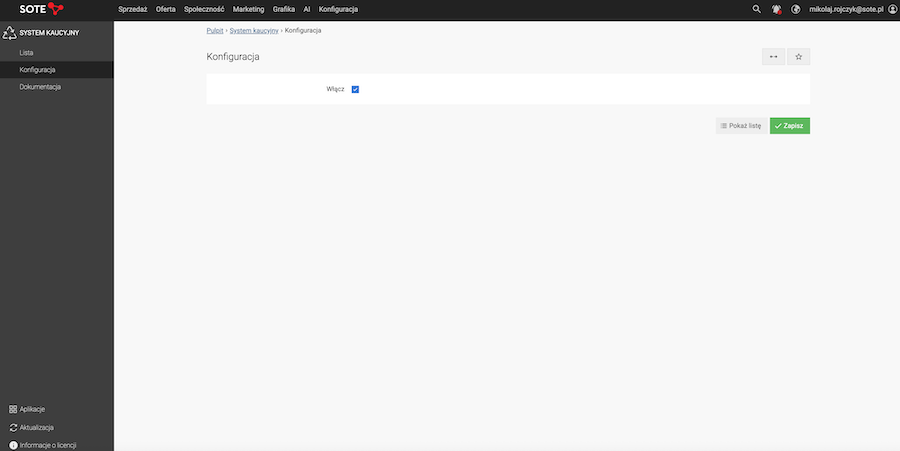
Deposit system configuration
- Select Enable,
Adding a deposit
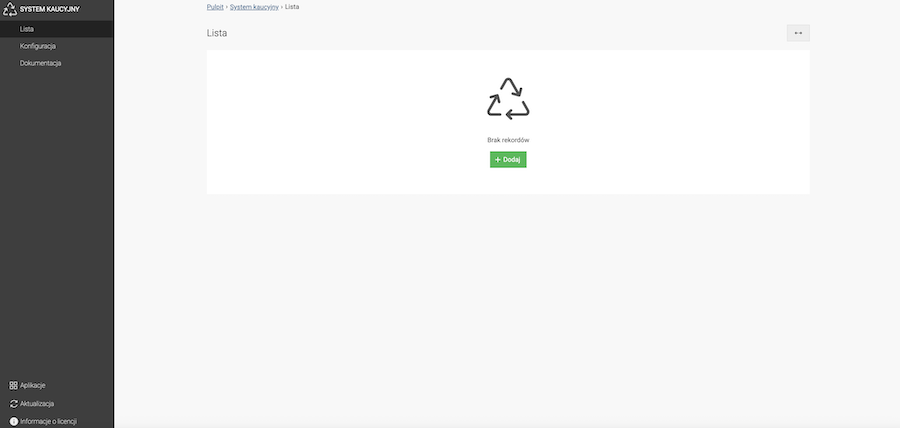
- Click the Add button,
- Select Active,
- Enter the Name,
- Enter the Amount,
- Click the Save button.
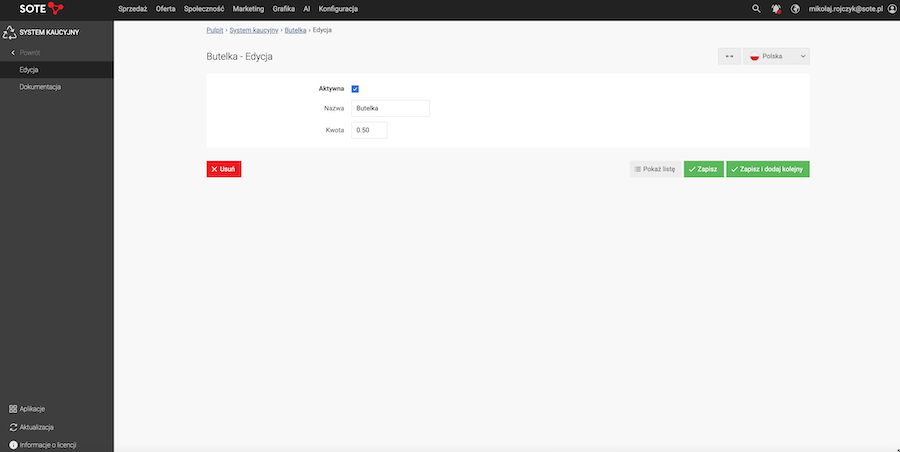
Assigning a deposit to a product
In the administration panel, go to Offer → Products → List.
- Go to the Edit page of the selected product,
- Go to the Prices section,
- Expand the Deposit dropdown,
- Select a deposit from the list,
- Click the Save button.
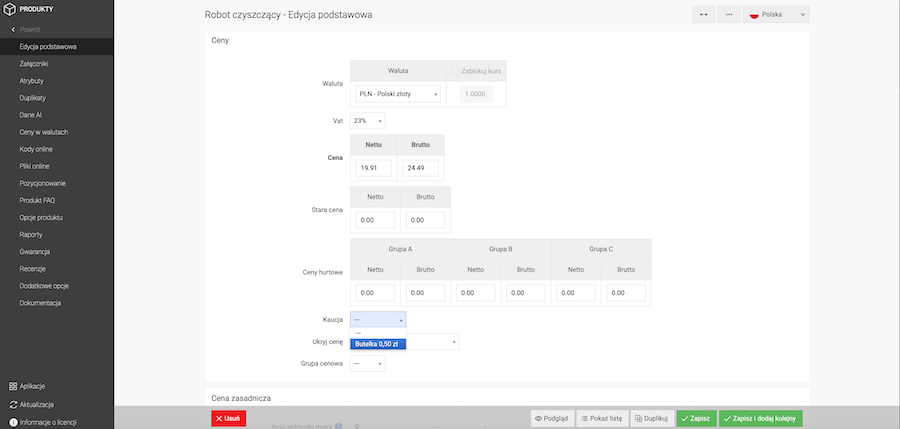
Assigning a deposit to a category
In the administration panel, go to Offer → Categories.
- Go to the Edit page of the selected category,
- Go to the Products section,
- Expand the Deposit dropdown. This option sets a deposit for products that have this category set as default. A deposit set at the product level overrides the deposit set at the category level,
- Select a deposit from the list,
- Click the Save button.
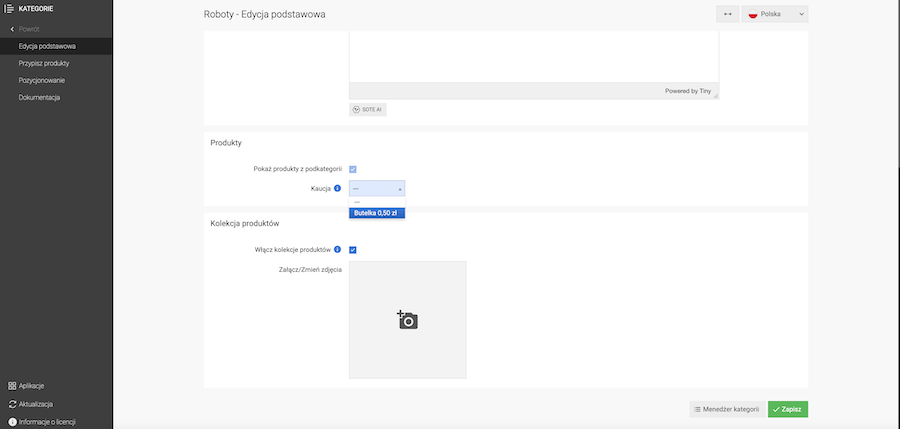
Import/Export
In the administration panel, go to Offer → Products → Export → Manage profiles.
- Create a new import/export profile by clicking the Add button, or edit an existing profile,
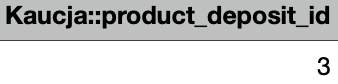
- Add the Deposit field. The deposit ID will then be added to the import file. In the generated file, the column with the deposit ID is named Deposit::product_deposit_id.
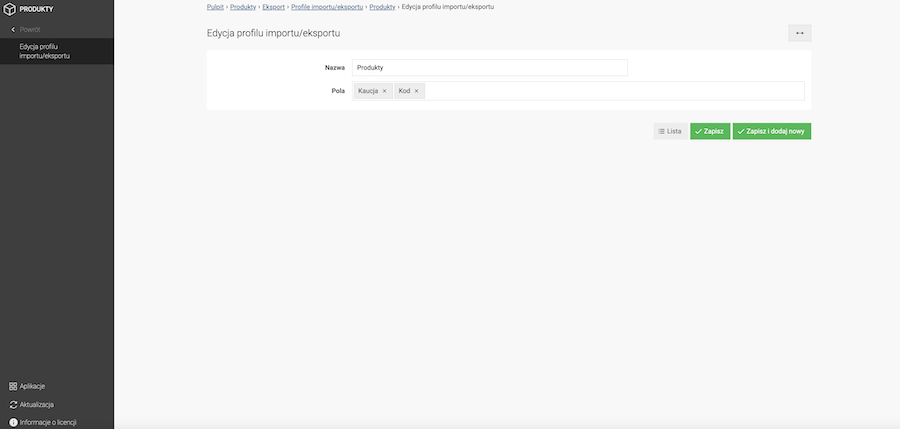
Displaying deposit information
Deposit information is presented in several places in the store so that the customer is aware of the additional fee at every stage of the purchase. Below are all locations where deposit information may appear.
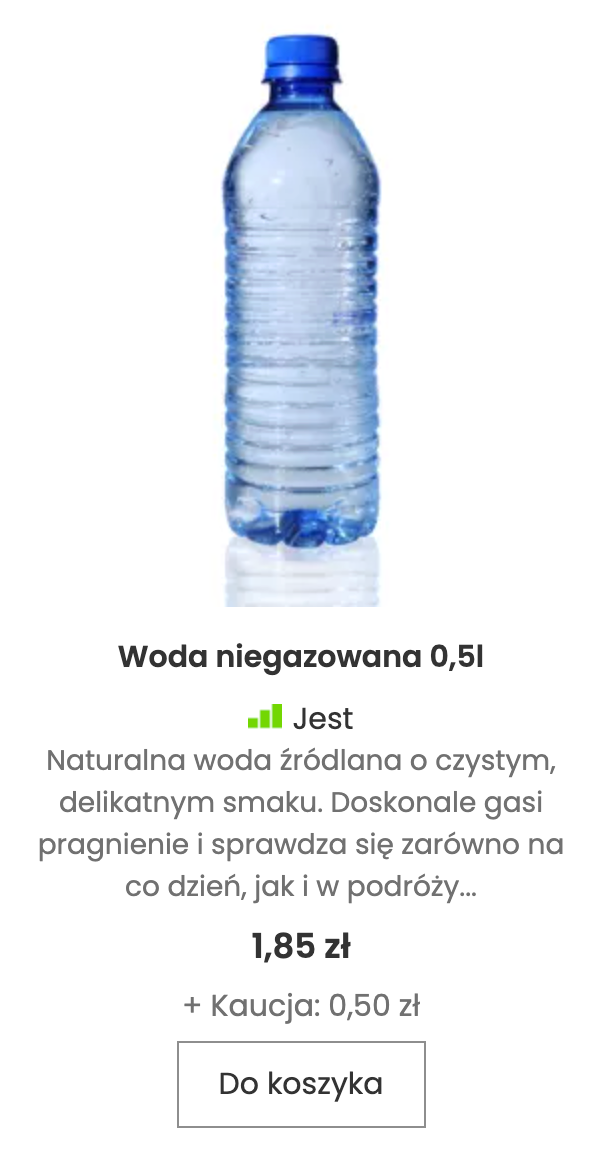
Product list
On the product list, information about the assigned deposit amount is displayed below the price.
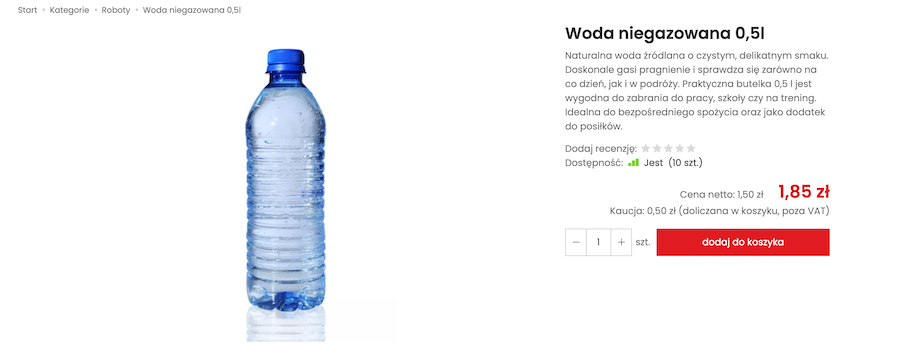
Product page
On the product page, information about the name and amount of the deposit assigned to the product is displayed.
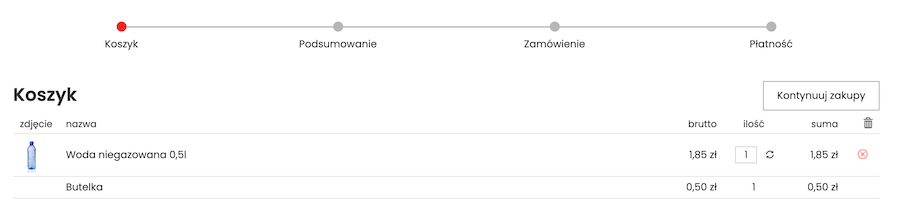
Cart
In the shopping cart, information about the added deposit for products covered by the deposit system is displayed. The customer can see the deposit name and its value.
Order summary
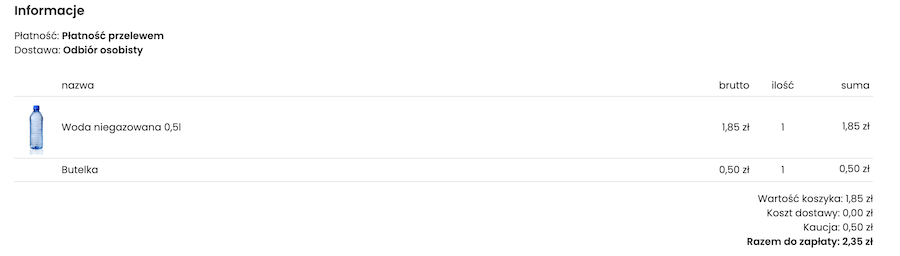
During checkout, the customer sees information about the added deposit in the order summary. The deposit name and value are displayed, ensuring the customer is aware of the additional fee before finalizing the purchase.
Returns section
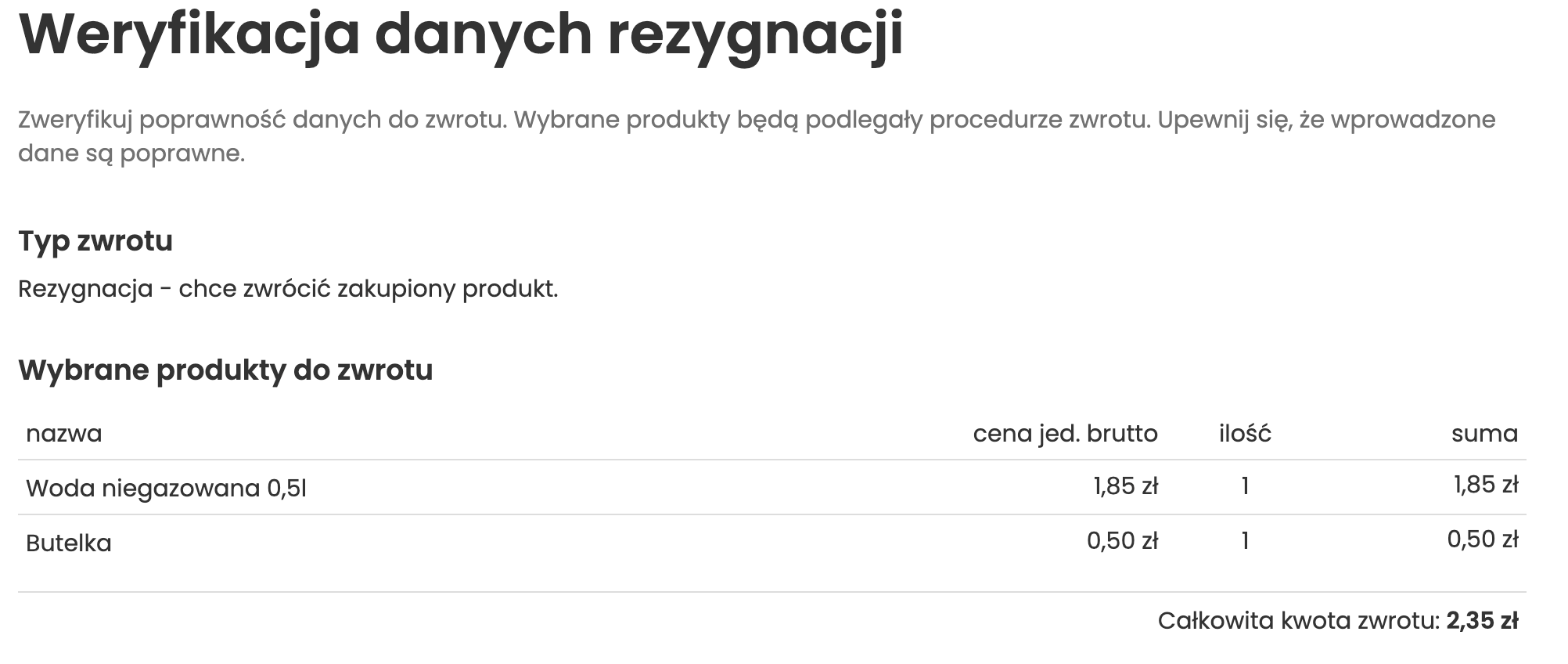
Deposit information is also available in the returns section of the customer panel. This section displays details about the deposit assigned to products covered by the deposit system.
Orders
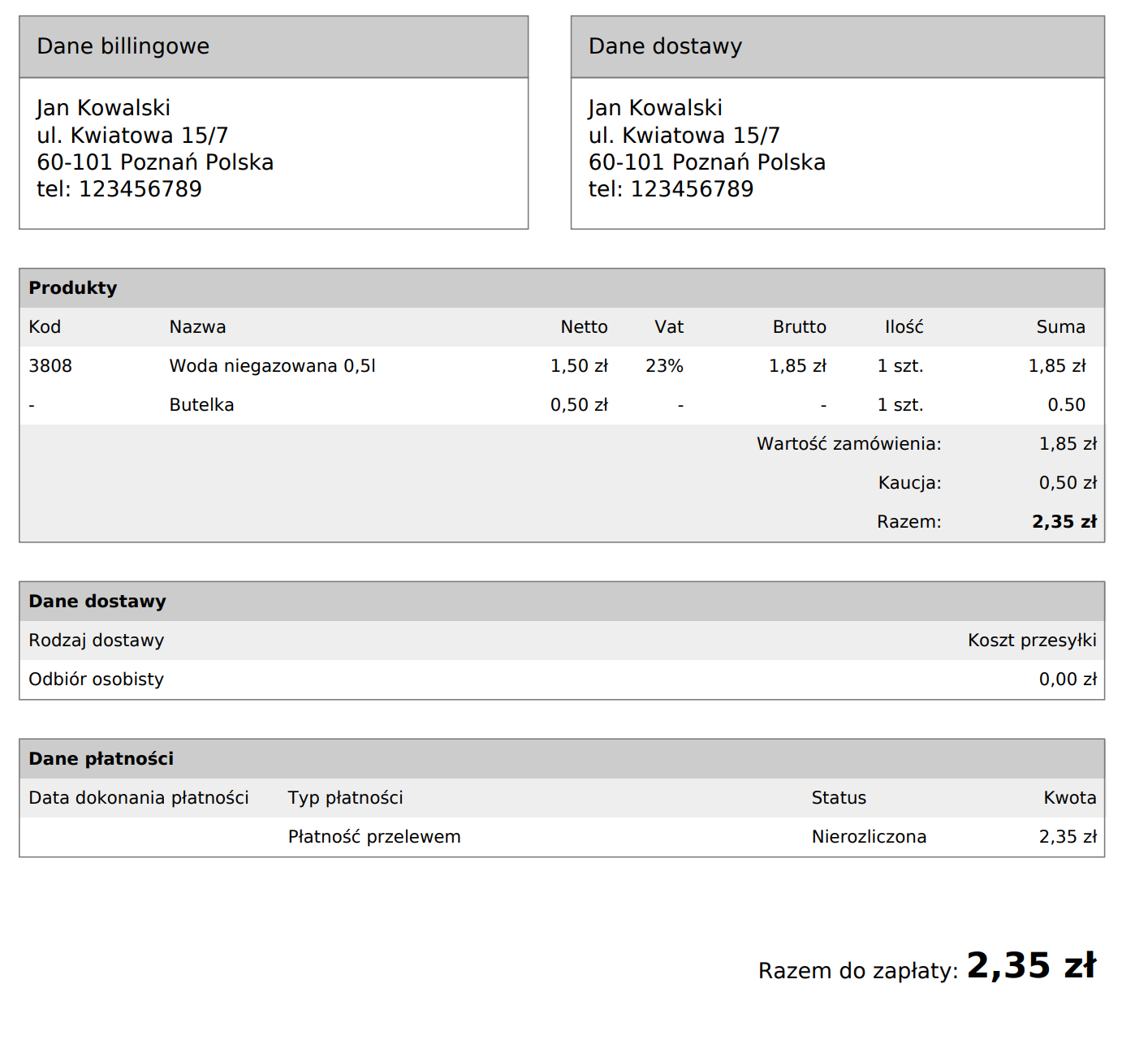
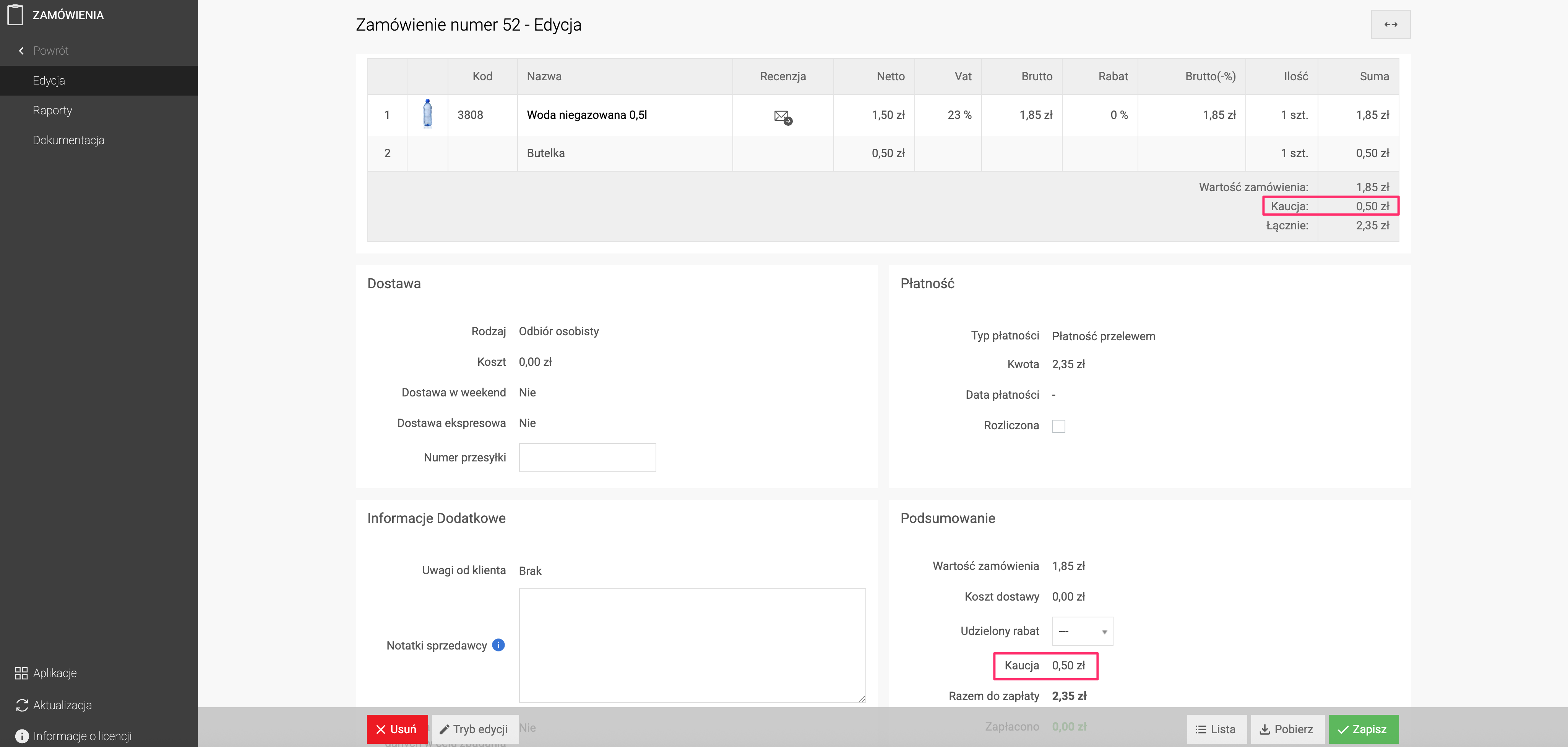
In the store administration panel, deposit information is visible in the order details. The administrator can check the deposit name and its value assigned to a given order.
Invoices
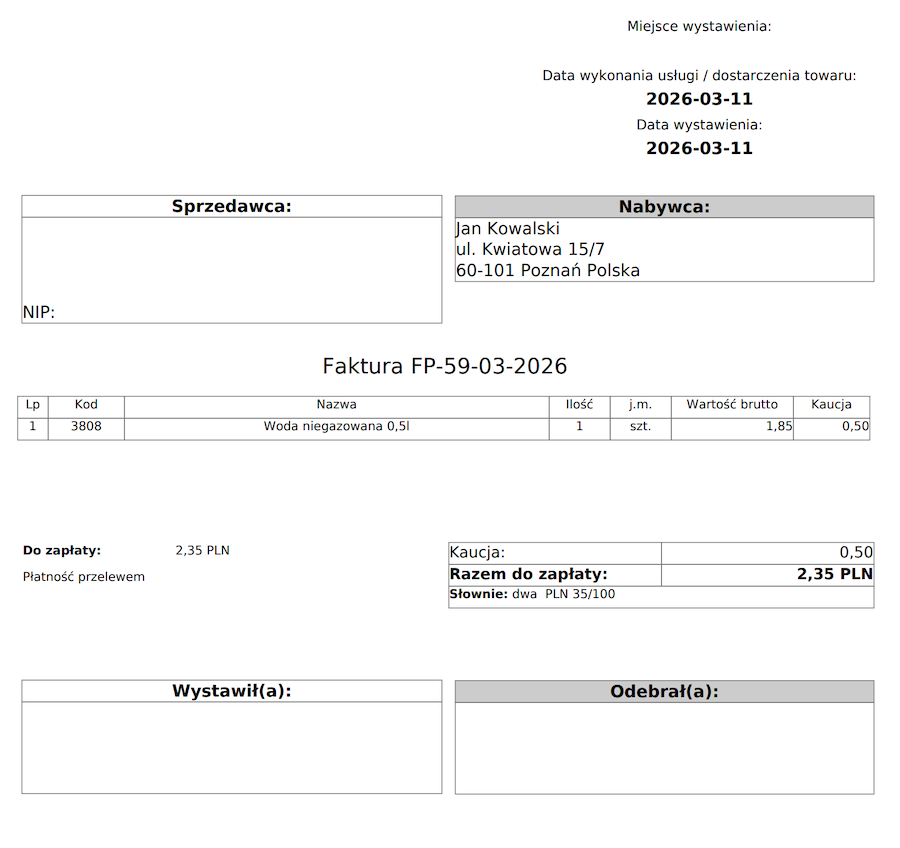
Deposit information is also included in sales documents generated for the order, such as:
- Proforma invoice
- VAT invoice