Product safety information
Table of contents
SOTESHOP. Product safety information – see how to add product safety information in your store.
In the administration panel, select Applications → Product safety information 
Adding new safety information
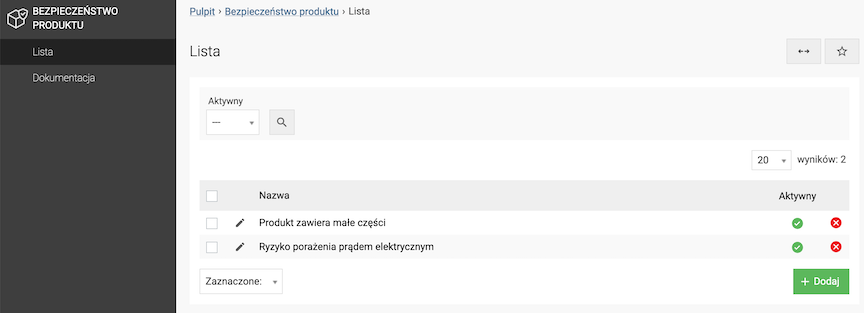
- Click the Add button,
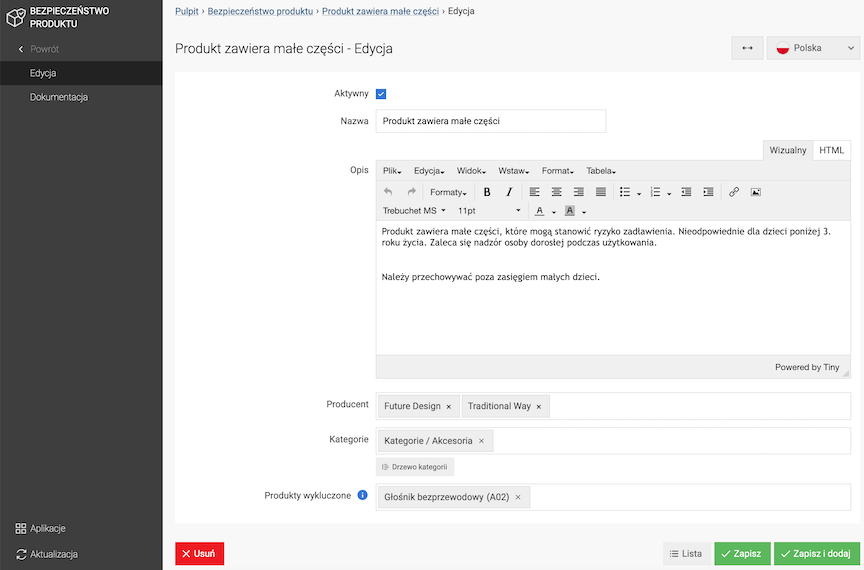
- Select Active,
- Enter the Name,
- Enter the Description,
- Select the Manufacturer,
The information will be displayed in products of this manufacturer.
- Select Categories,
The information will be displayed in products assigned to this category.
- Select Excluded products,
The information will not be shown in these products.
- Click the Save button.
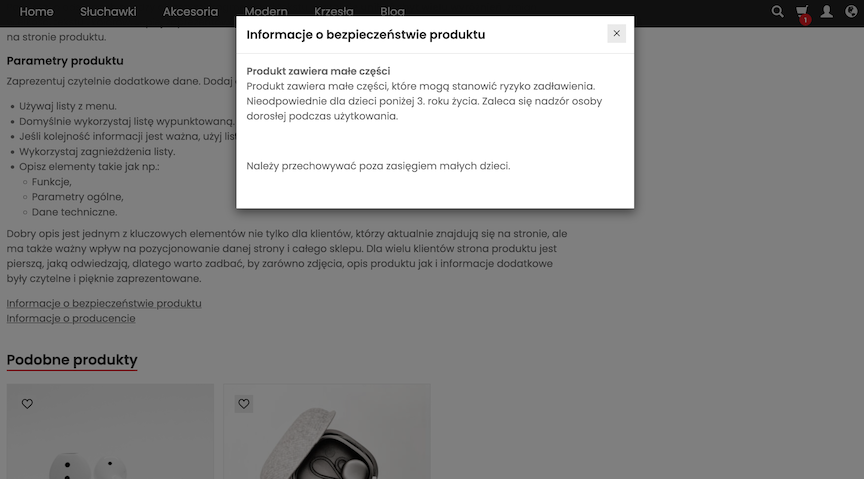
The information appears after clicking the Product safety information link on the product page.
Enabling display of safety information
To enable displaying safety information on the product page, go to Applications → Products  → Presentation
- Select Show product safety information,
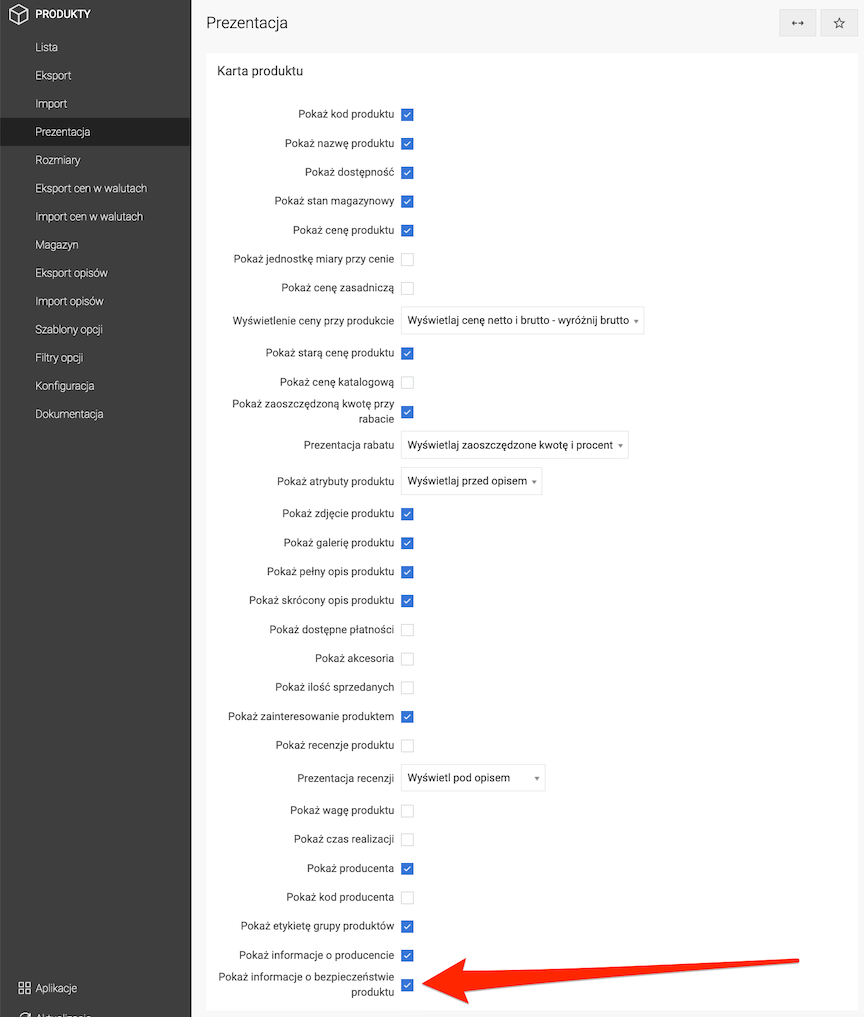
- Click the Save button.